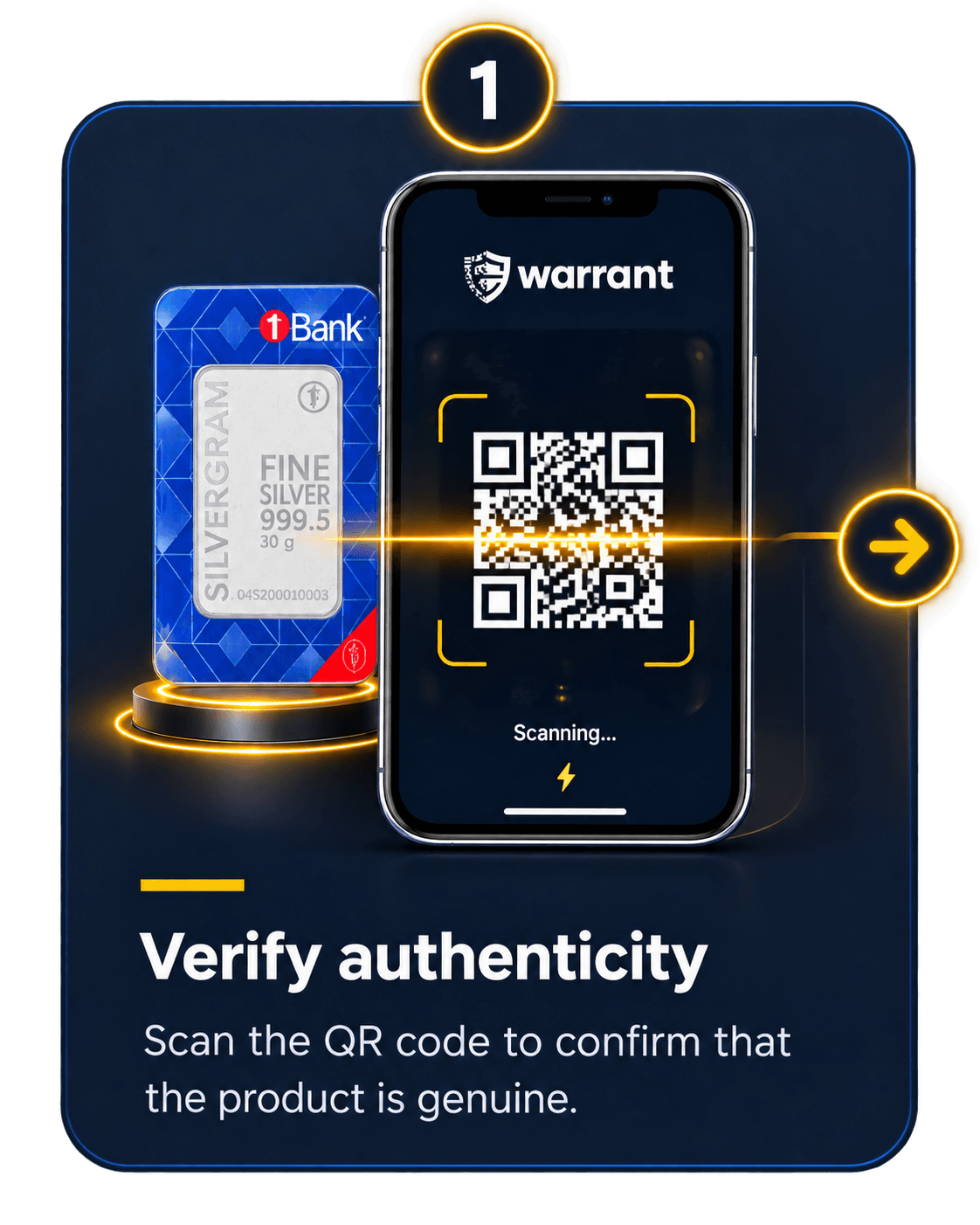
01 / Verify
Scan your product
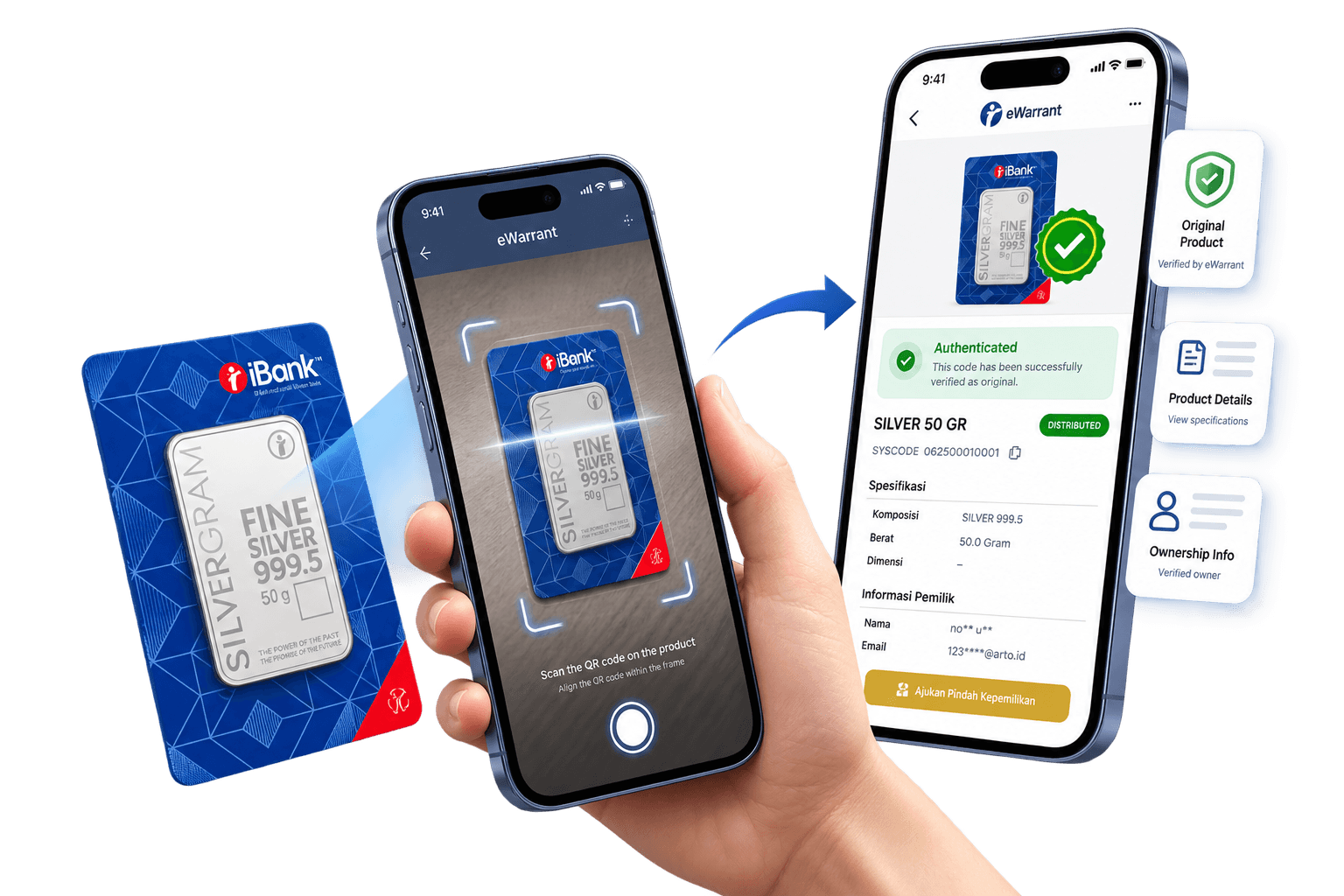
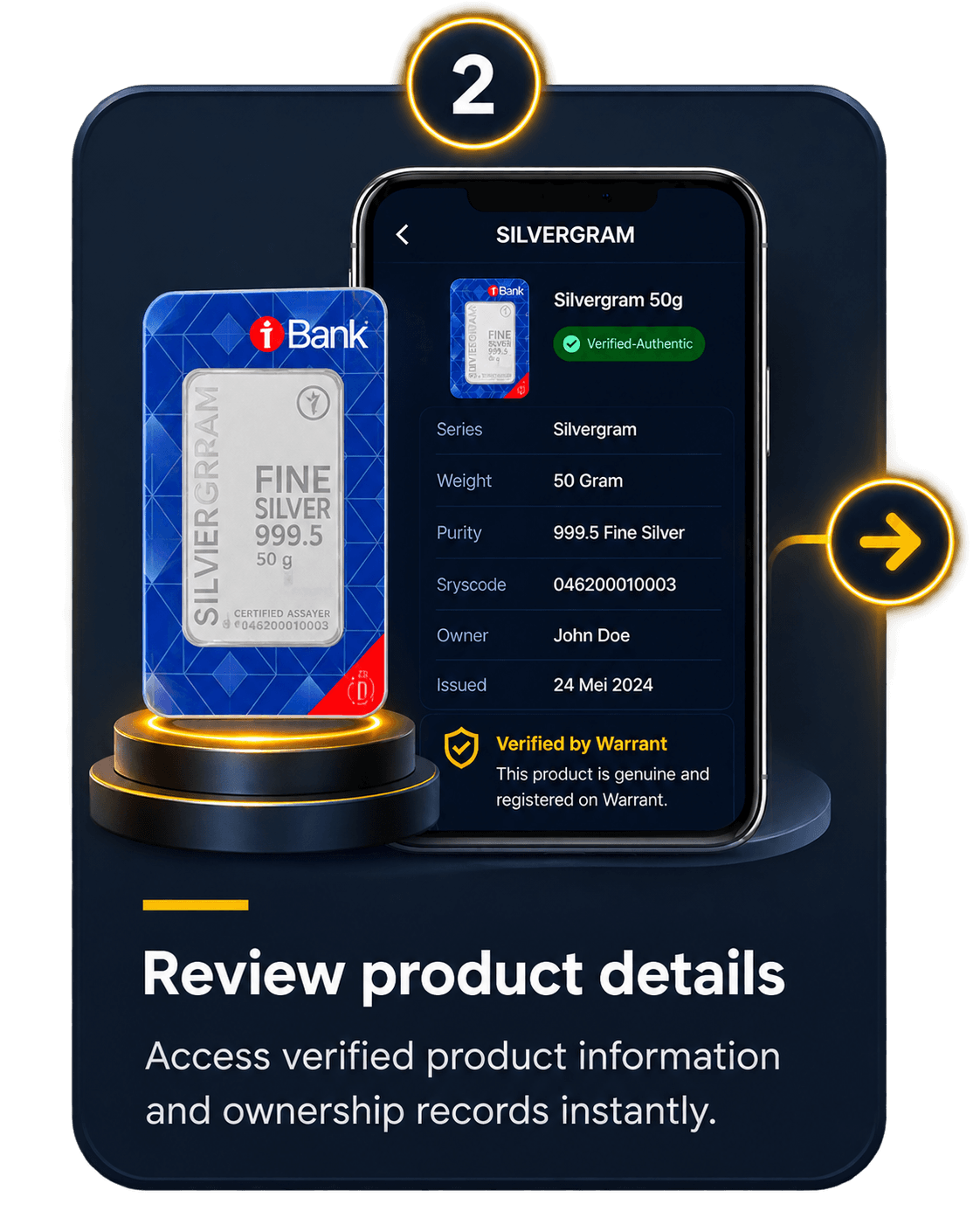
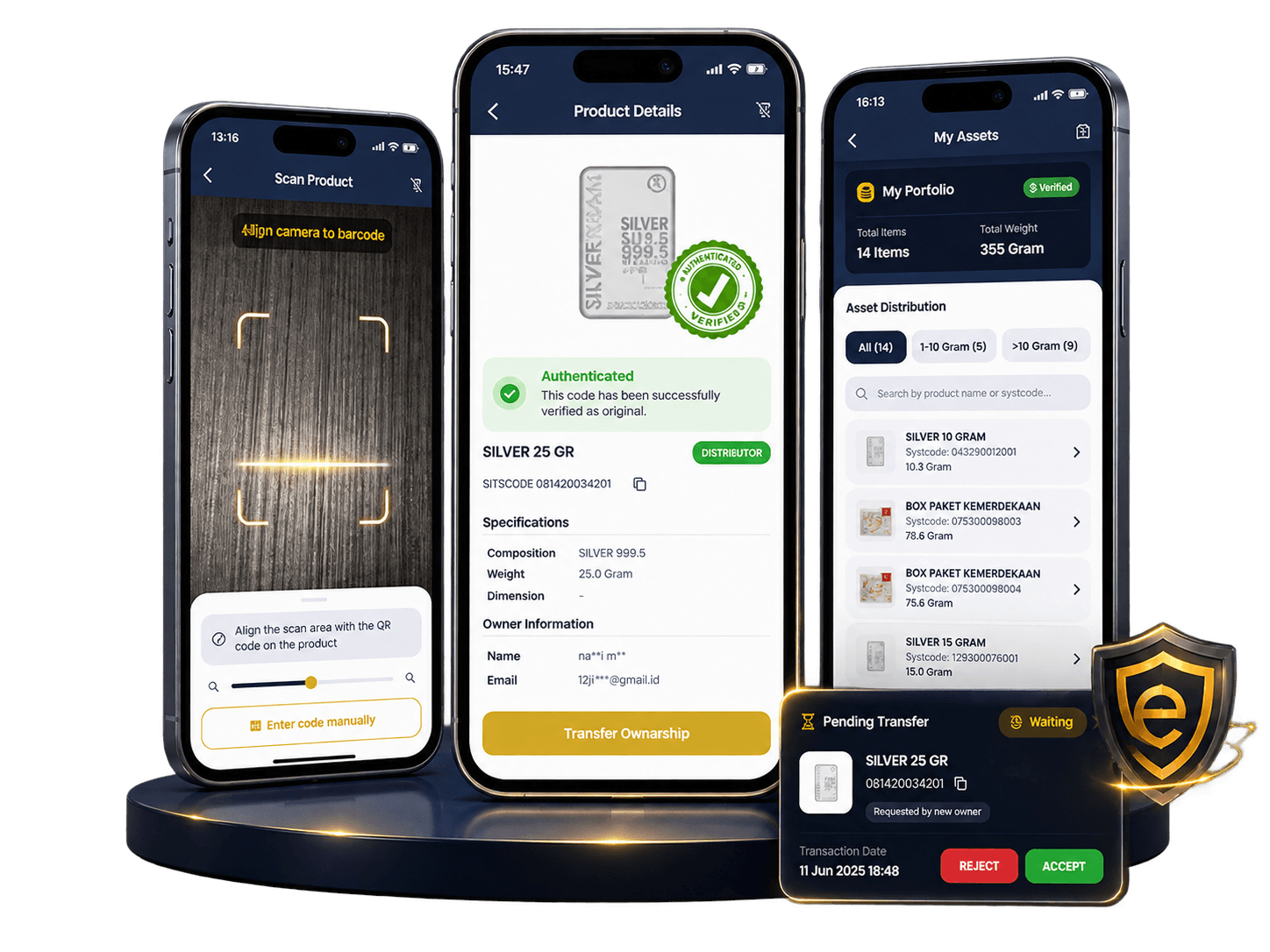
By scanning the QR code on the product, eWarrant will notify you of the product’s authenticity by displaying product details and your ownership information.
- 1Authenticity status
- 2Product details
- 3Ownership information
QR-powered product authenticity
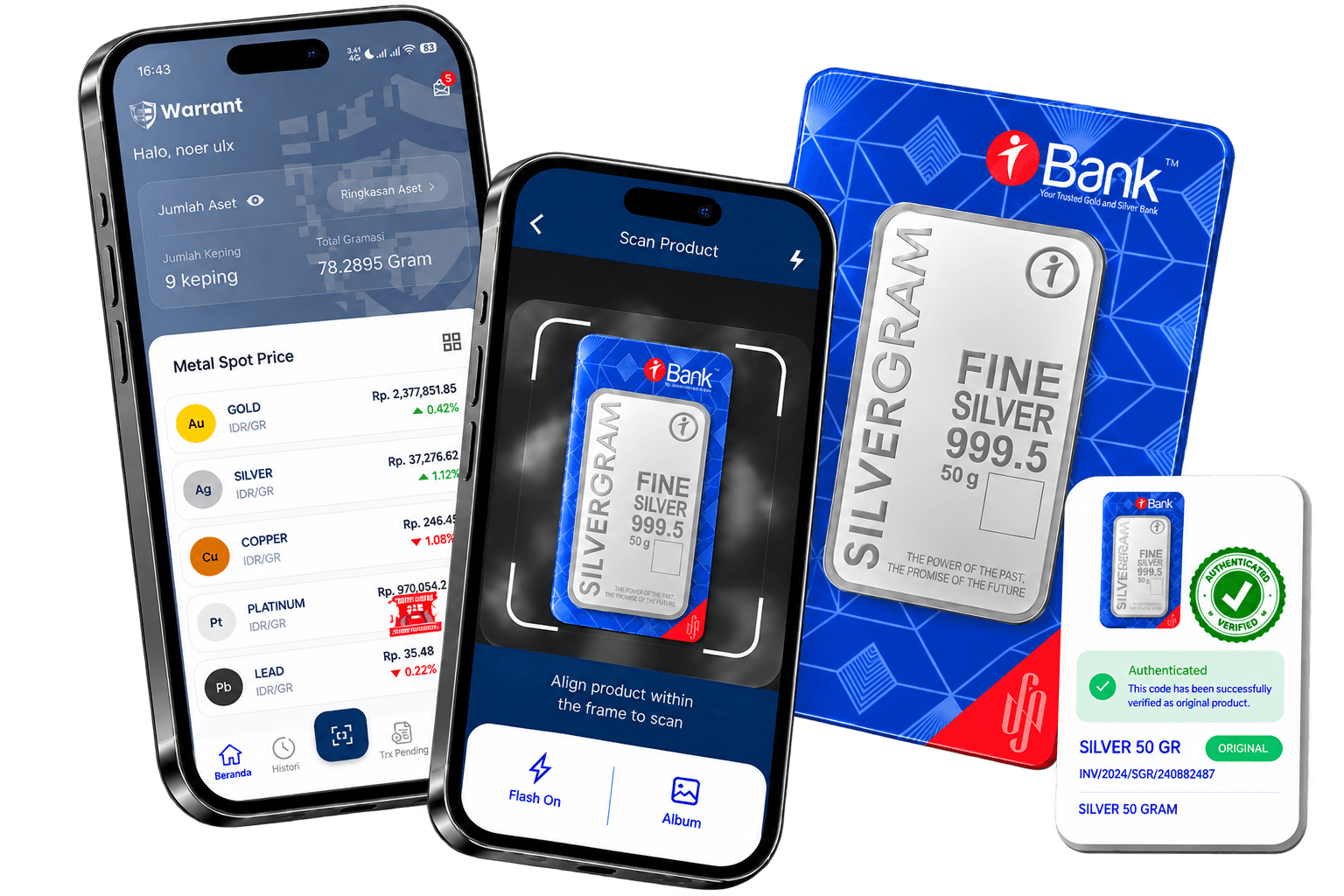
Scan the QR code to verify authenticity, view product details, and manage ownership in one secure app.


How eWarrant works
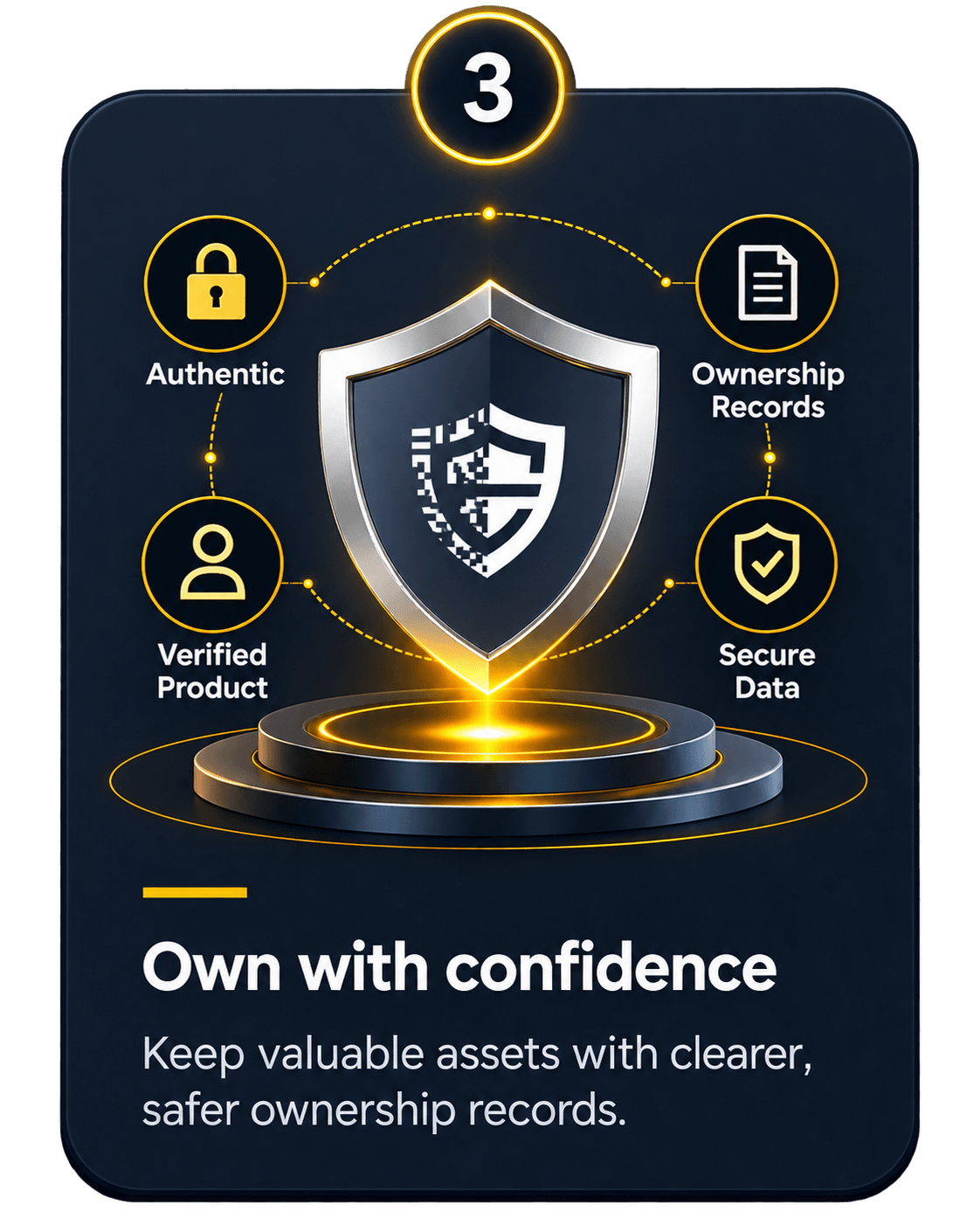
Three clear steps connect product authenticity, verified information, and ownership records in one secure journey.
Features
Four focused capabilities help establish trust at purchase and keep records clear throughout the product’s life.
01 / Verify
By scanning the QR code on the product, eWarrant will notify you of the product’s authenticity by displaying product details and your ownership information.
02 / Transfer
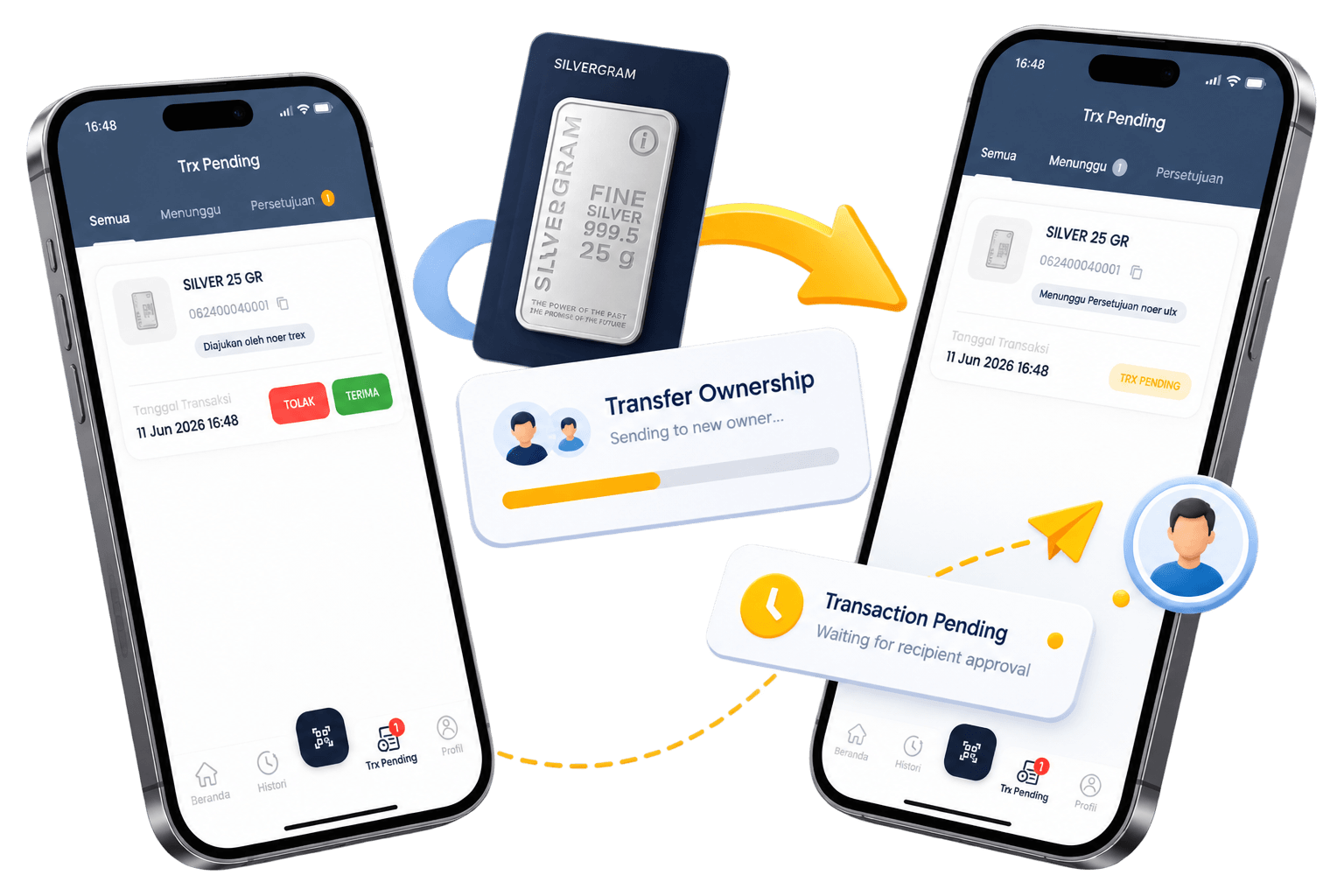
Move your assets by transferring product ownership from the previous owner.
03 / Monitor
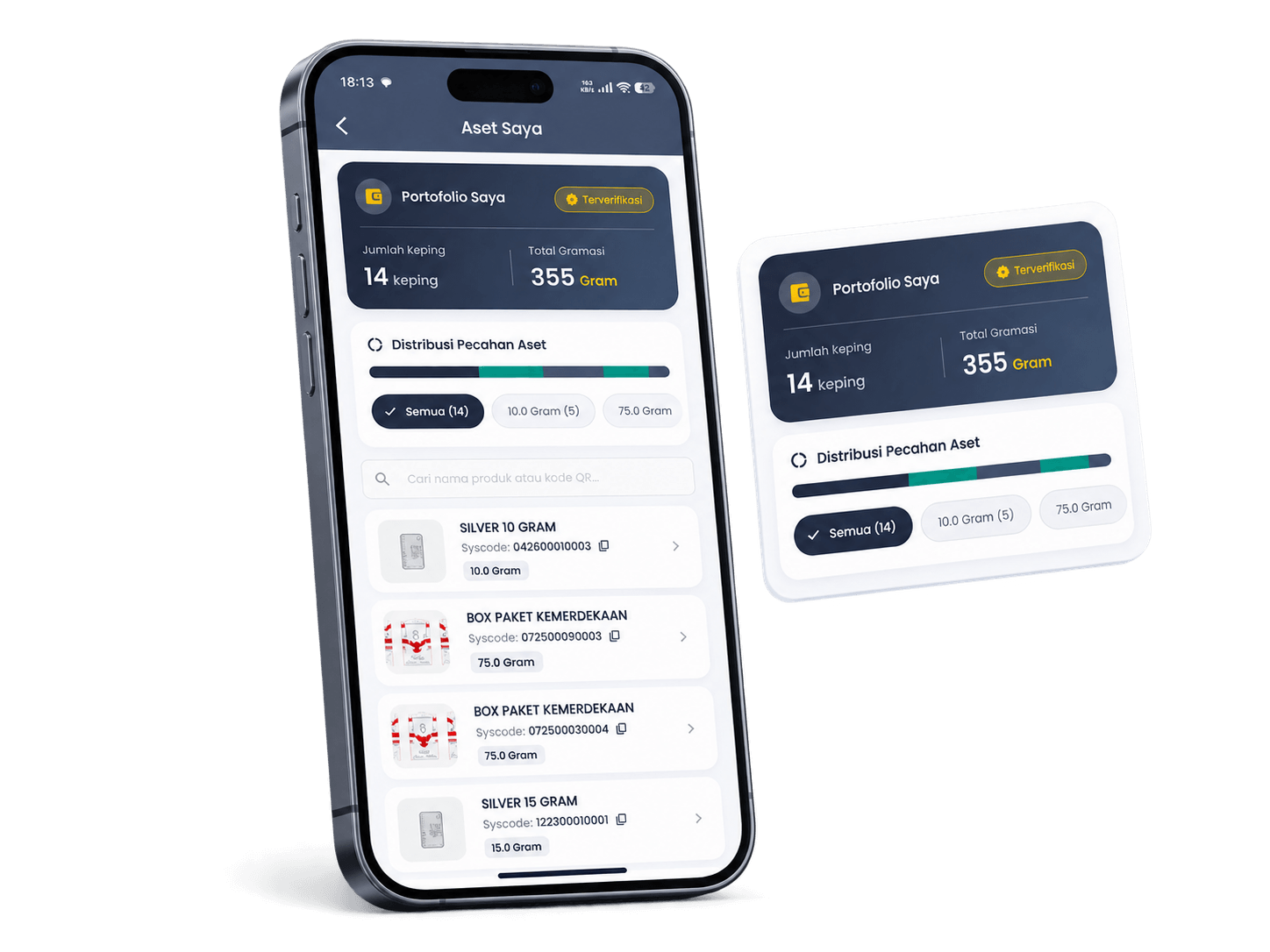
Displays all information on all precious metal assets that you own with eWarrant.
04 / Experience
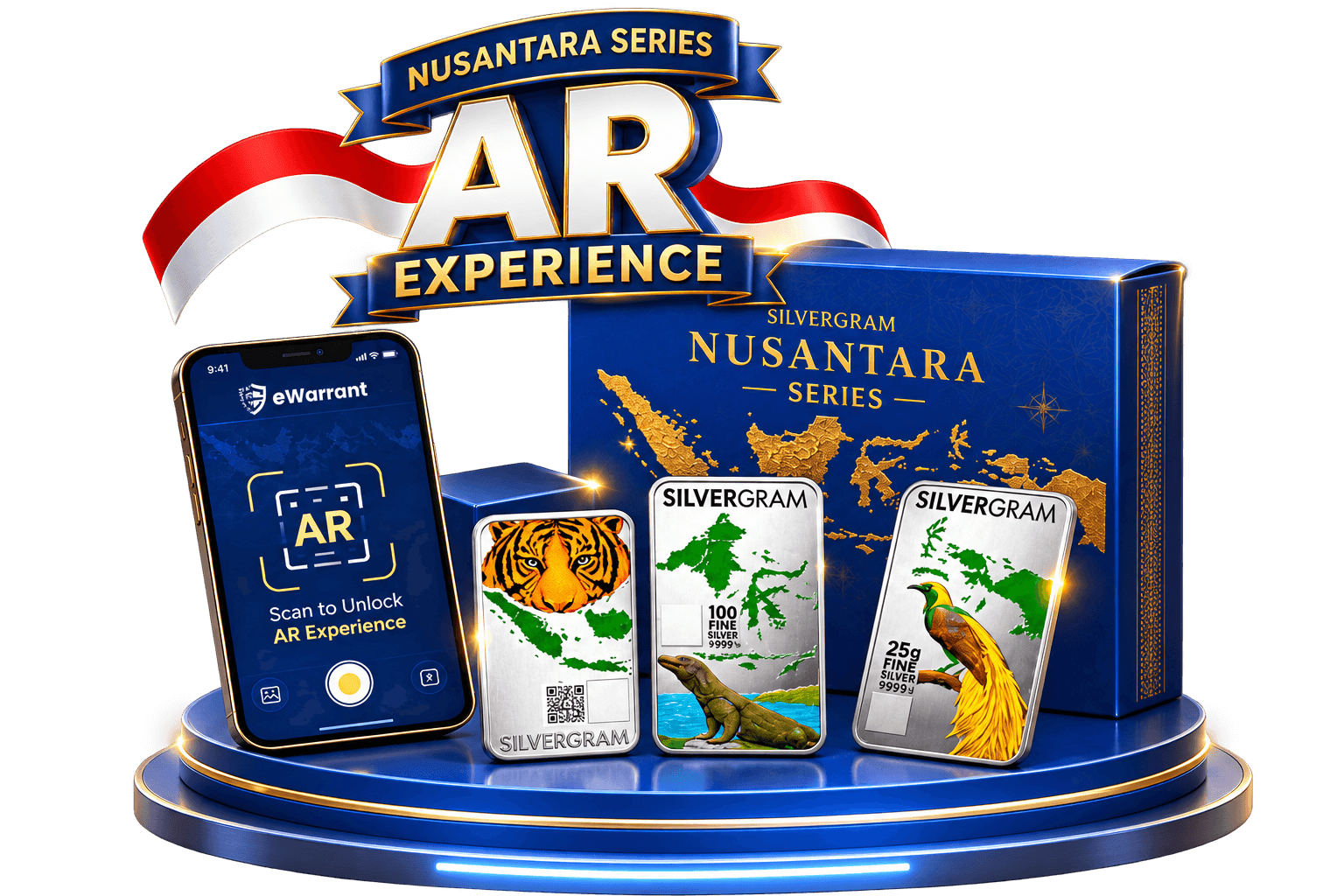
The Limited Edition Product AR feature within eWarrant offers a unique, interactive experience for owners of limited edition products. After acquiring a limited edition item, you can scan the product’s box or packaging using the AR feature in the eWarrant app.
The system recognizes the visuals or markers on the box and instantly displays Augmented Reality (AR) content through the smartphone camera.
Penyimpanan data eWarrant
QR membantu Anda membuka catatan produk. Blockchain membantu menjaga integritas catatan aset setelah data tersimpan.
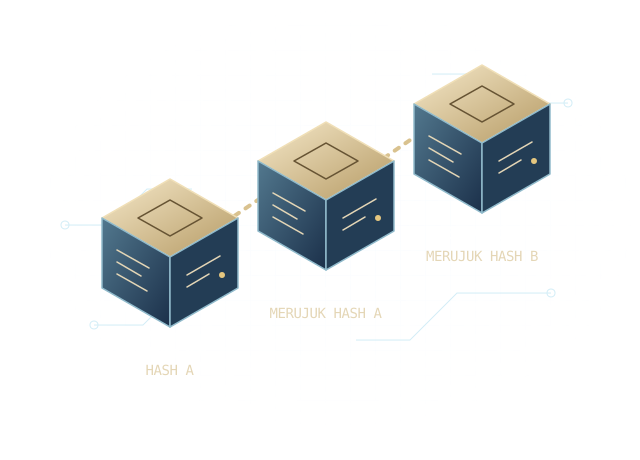
Setiap blok terhubung secara kriptografis dengan blok sebelumnya. Jika isi catatan lama diubah, hubungan itu tidak lagi cocok.
Pembaruan dapat ditambahkan sebagai catatan baru. Urutan pencatatan tetap tersedia untuk pemeriksaan.
Catatan terdahulu memberi rujukan saat menelusuri perubahan data aset. Mutu data tetap bergantung pada pemeriksaan saat data dimasukkan.
Ekosistem emas
Dalam rancangan ekosistem, eWarrant menghubungkan identitas produk fisik dengan catatan digital yang dapat diakses melalui QR.
iBank berperan sebagai penyedia bahan baku untuk produksi.
Aurix mencatat proses pemurnian atau minting, termasuk pemeriksaan mutu.
BullionTrust menangani alur penyimpanan aset. EPI mengelola penjualan produk jadi.
Identitas produk dikaitkan dengan nomor seri dan QR agar informasi yang terdaftar dapat ditelusuri melalui eWarrant.
Our partners
Together, we support clearer product records, more transparent ownership, and greater confidence in every transaction.


Get the app
Get the eWarrant app to check product authenticity, manage ownership, monitor your assets, and access limited edition AR content.
Available on Google Play and the App Store. Contact support if you need help getting started.
FAQ
Answers to common questions about verifying products and managing your ownership records with eWarrant.
Still have questions? Contact supporteWarrant is an application that helps users verify product authenticity, check product information, view ownership data, and manage their assets digitally.
You can scan the QR code attached to the product using the eWarrant app. The system will then display the product information and authenticity details.
Yes. eWarrant provides a feature that allows product ownership to be transferred from the previous owner to the new owner.
You can view information about the precious metal assets you own through the eWarrant application.
This feature allows users to scan the packaging of a limited edition product and view exclusive AR content such as 3D animations, videos, product information, and other special content.
You can download the app from Google Play Store and Apple App Store through the links provided on this page.
You can contact customer support via WhatsApp at +6285176840699.